

BazaarHub Tracker
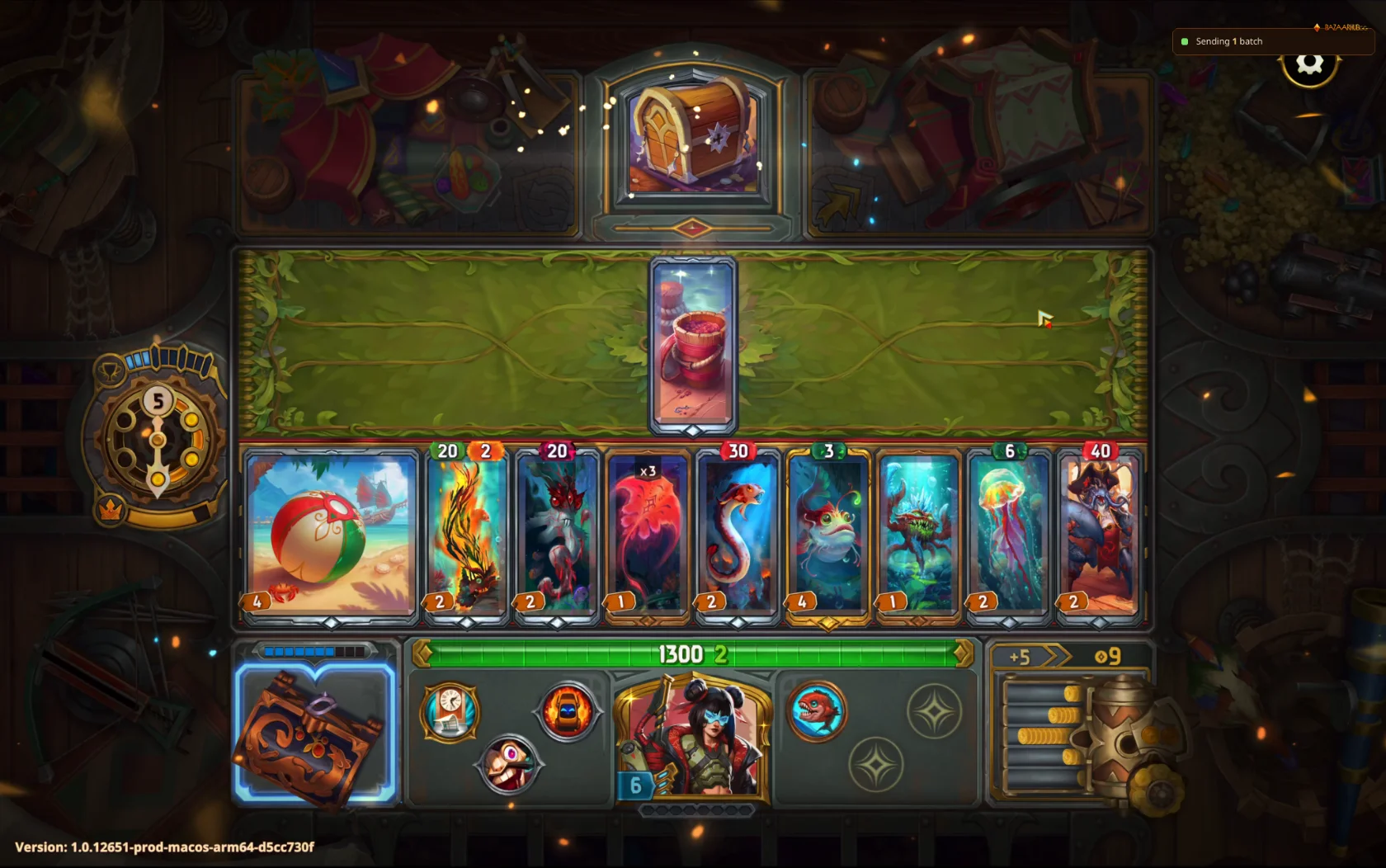
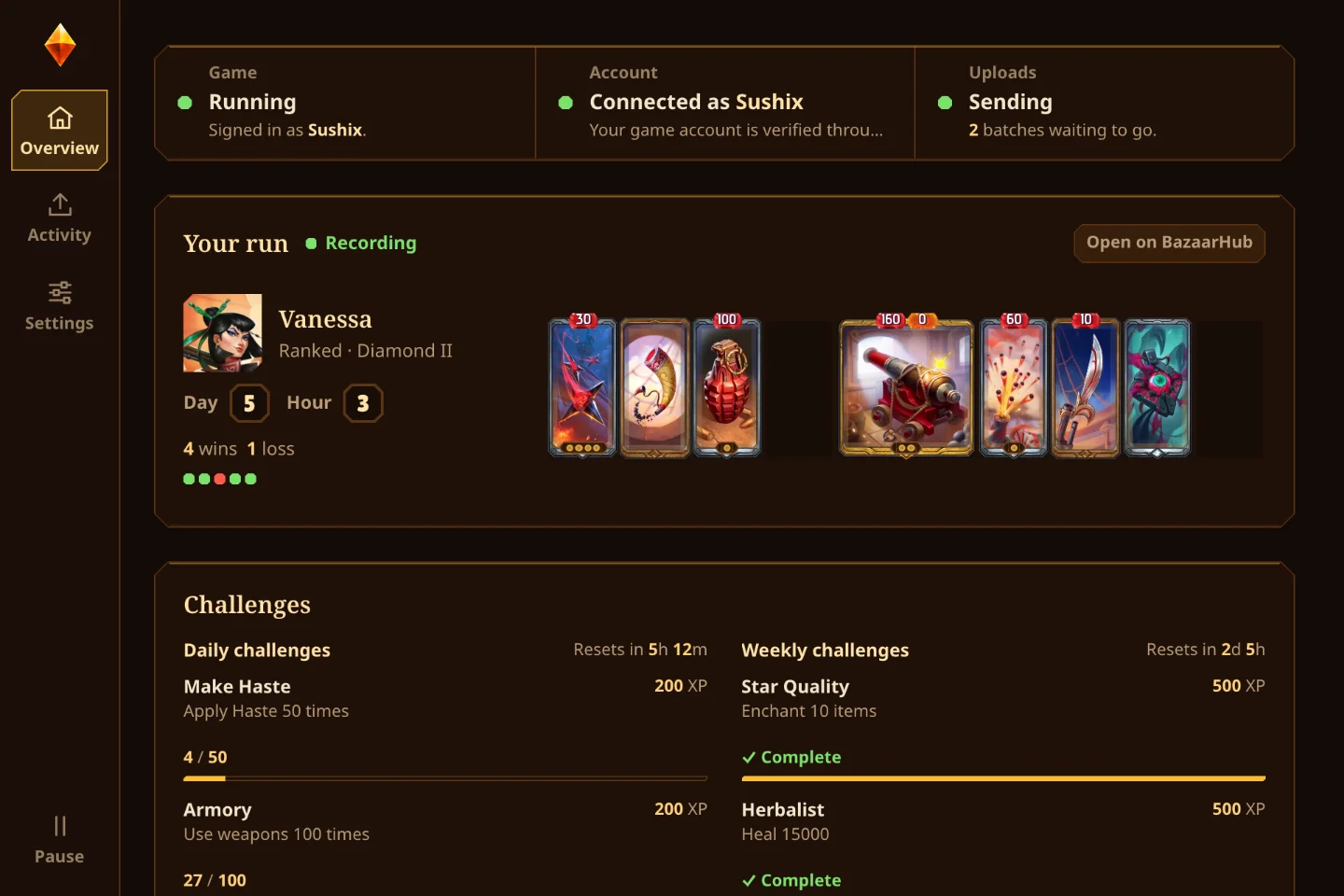
Records your runs of The Bazaar while you play and puts them on your BazaarHub profile, every hour of every run, with a replay of every fight. In the game, its overlay shows your run and the players you follow, and searches every card. Free, with no ads.
The tracker runs on a PC. Open bazaarhub.gg/tracker on your computer to download it.
Fight replays
Every fight the tracker records is saved as a replay. Open a run and press Watch replay on any fight to see it again.
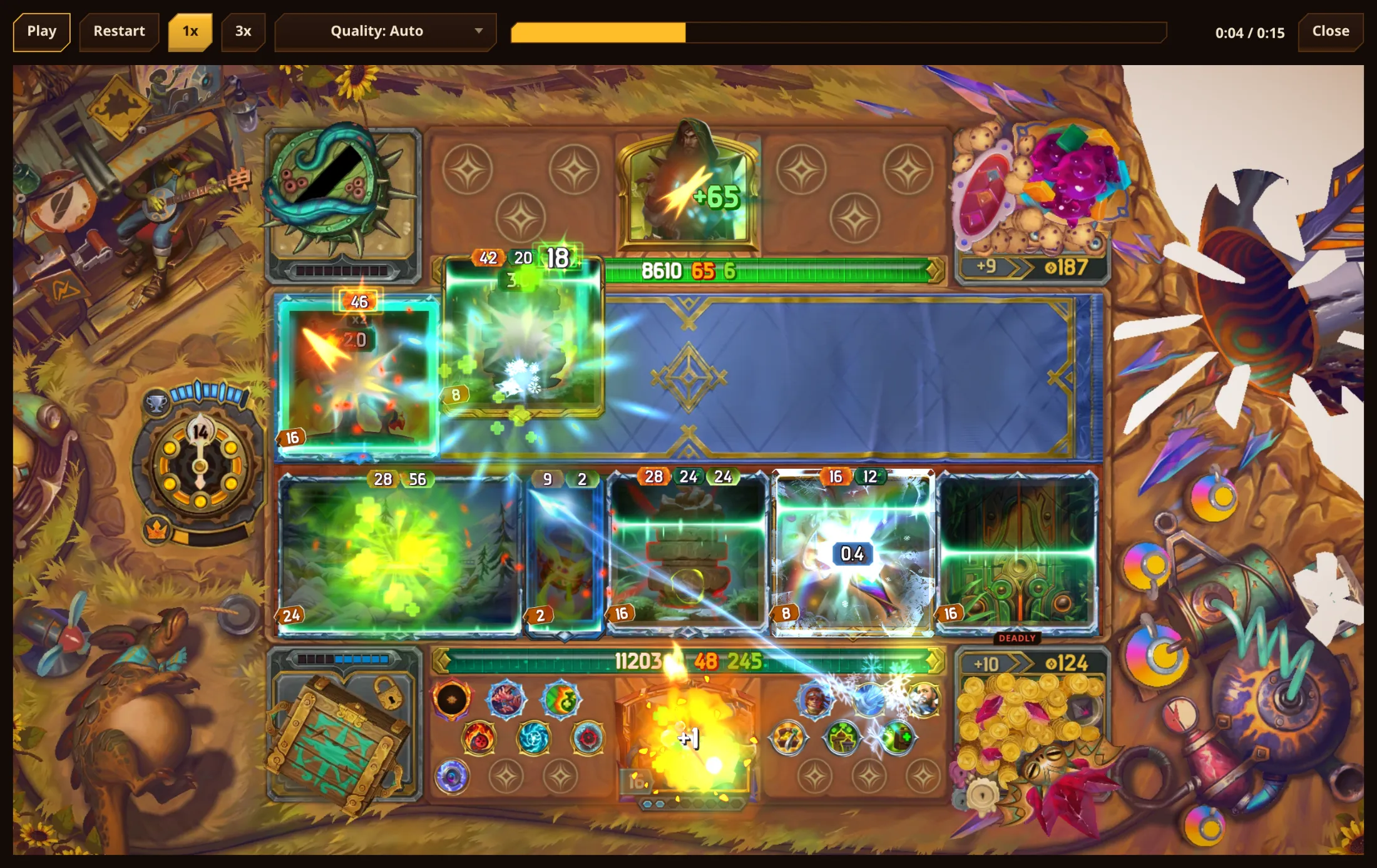
A replay plays the fight tick by tick as it happened: each item use, hit, burn and heal, drawn with the game's own art and effects. You can pause it, restart it, play it at three times the speed and drag through it.
Replays are free for everyone. Anyone who can see a run can watch its fights. If you hide your runs, only you can watch them.