

BazaarHub Tracker
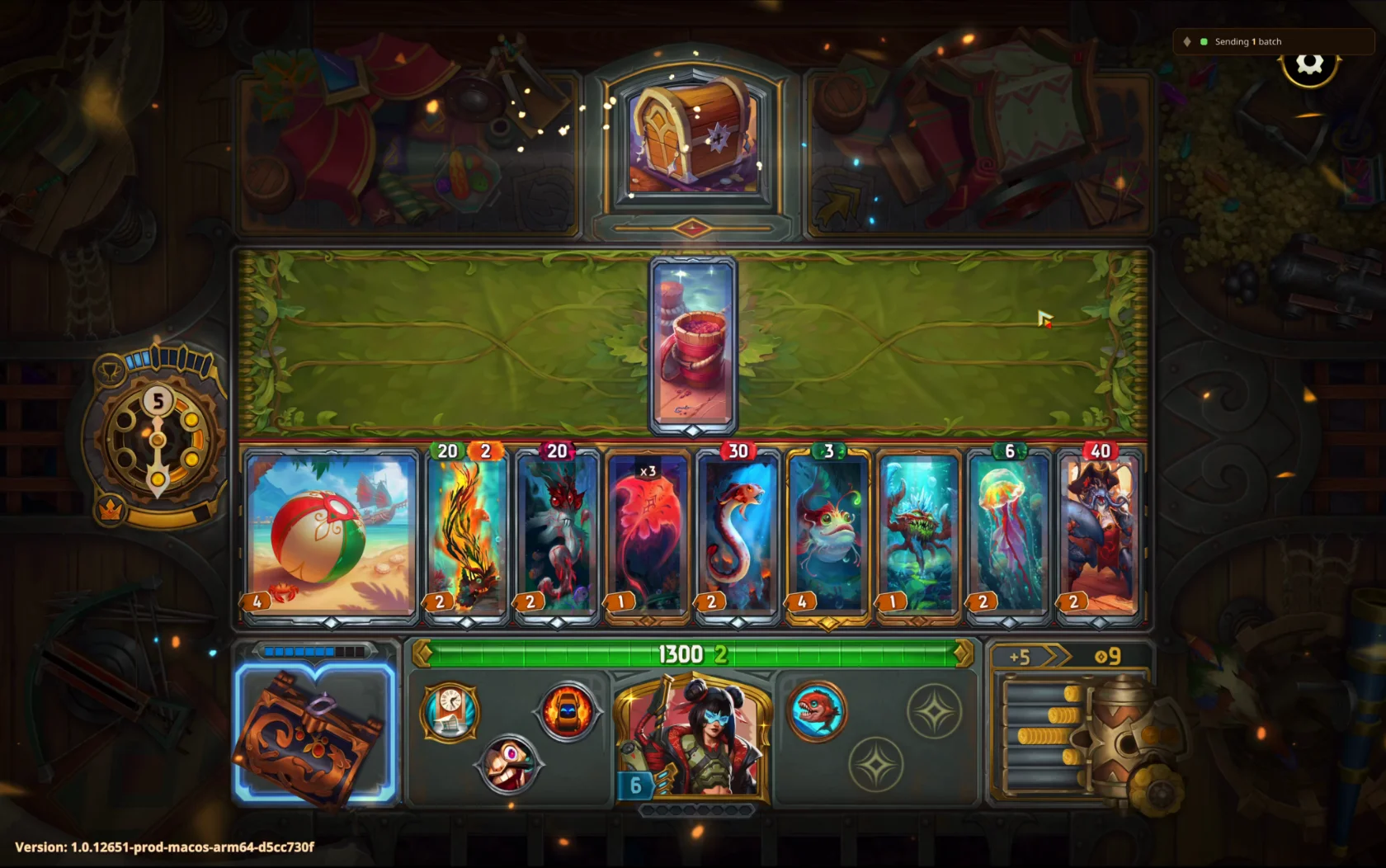
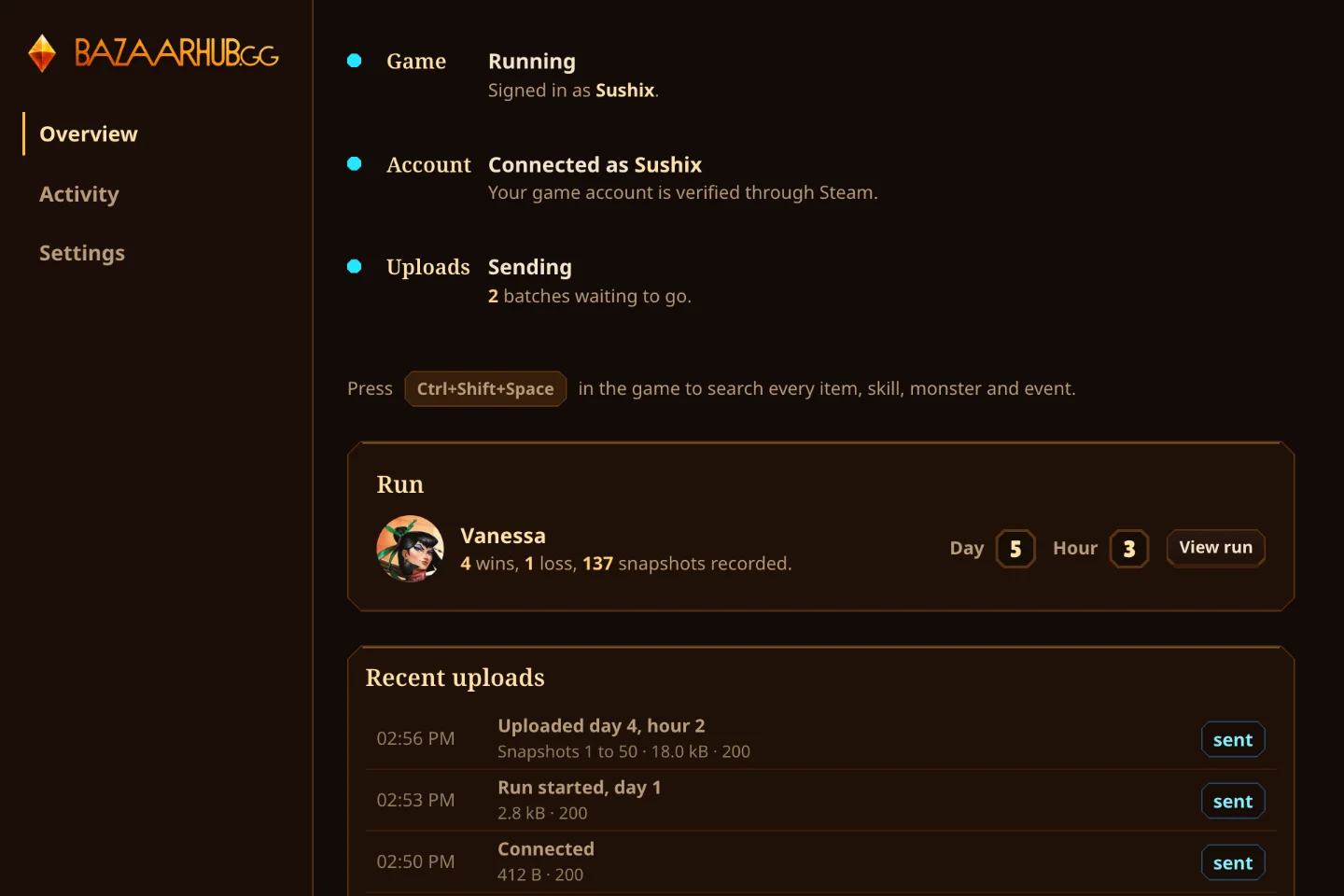
Records your runs of The Bazaar while you play and puts them on your BazaarHub profile, every hour of every run. Free, with no ads.
Set up on Linux and Steam Deck
Install the tracker
Download the AppImage. On a Steam Deck, switch to Desktop Mode first. Open it with Gear Lever, or right-click it, choose Properties, then Permissions, and tick Is executable.
The game has to run through Proton from Steam. The overlay isn't available on Linux.
Connect your account
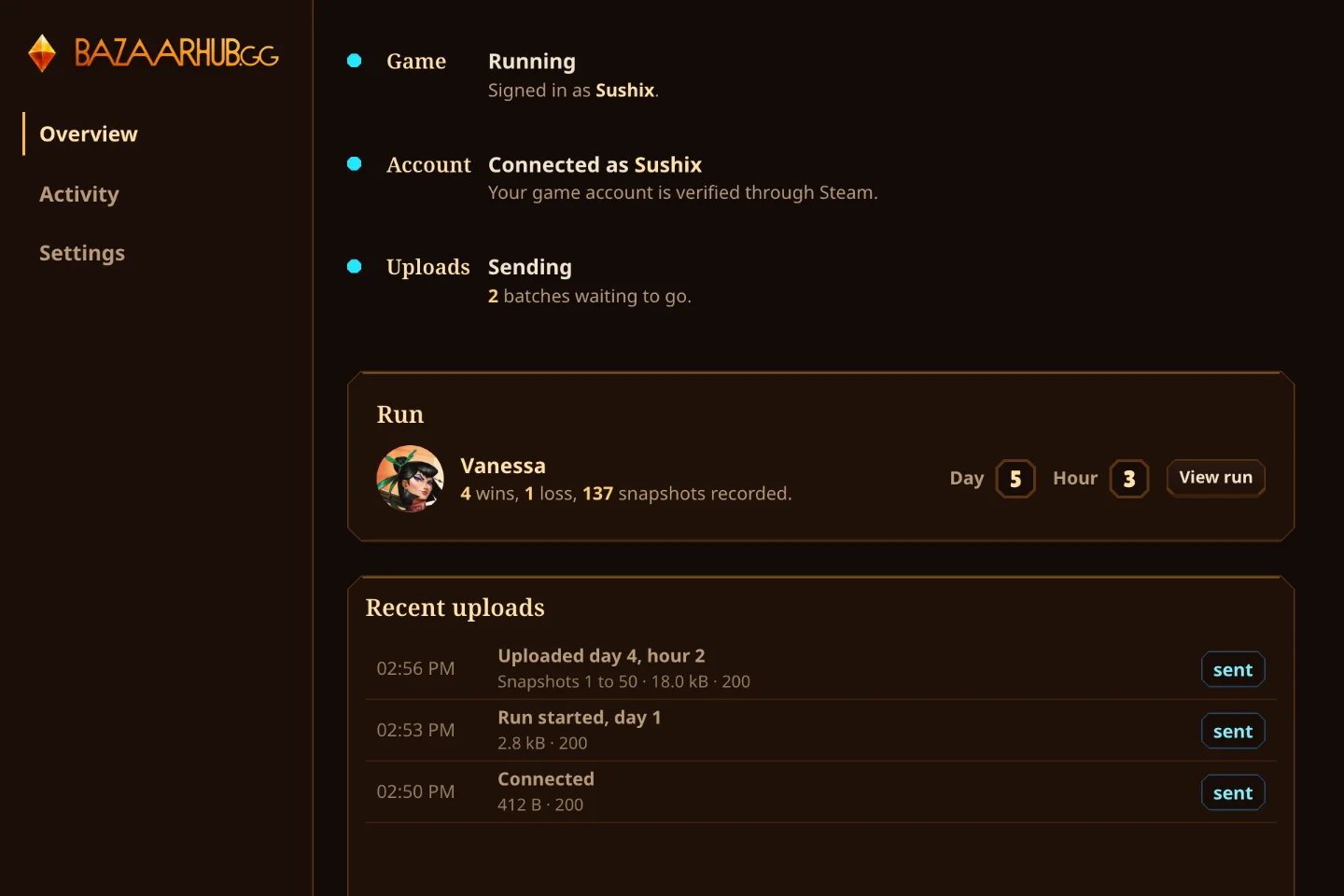
Make a key here and press Open in the tracker. It fills the key in and shows your account name to confirm.
Play a run
Go back to Game Mode and play. The tracker records with no window, and your runs appear on your profile. Keep Start with the system on in the tracker's Settings: on a Steam Deck, that's what keeps it recording in Game Mode.