

BazaarHub Tracker
Records your runs of The Bazaar while you play and puts them on your BazaarHub profile, every hour of every run. Free, with no ads.
Questions
Is the tracker free?
Yes. The tracker and everything it records on BazaarHub are free, and the site has no ads. Supporting the site is optional and unlocks no tracker features.
Can I get banned for using it?
Tempo's Third-Party Plugin and Modding Policy lists match history as acceptable, and bans tools that change the game, automate it, talk to its servers or simulate combat. The tracker does none of those. Only Tempo can say how it applies its policy.
Does it work with the Tempo Launcher?
On Windows, yes: press Restart as administrator in the tracker once each time it starts. On a Mac, not yet: we're adding support, and you can help test it in the Discord. Runs played through Steam record as normal.
Does it work on a Mac?
Yes, on Apple silicon and Intel Macs, with the Steam version of the game.
Does it work on Linux and the Steam Deck?
Yes, since version 0.2.0, with the game running through Proton from Steam. On the Steam Deck it keeps recording in Game Mode with no window. The overlay isn't available on Linux.
Does it slow the game down?
It reads the game's memory once a second from outside the game and never pauses it.
Why does Windows or macOS warn me when I install it?
The tracker isn't signed with a paid certificate yet, so both ask before the first launch. Updates from inside the app don't ask again.
Do I need Overwolf?
No. The tracker is its own app and needs nothing else installed.
What does it send to BazaarHub?
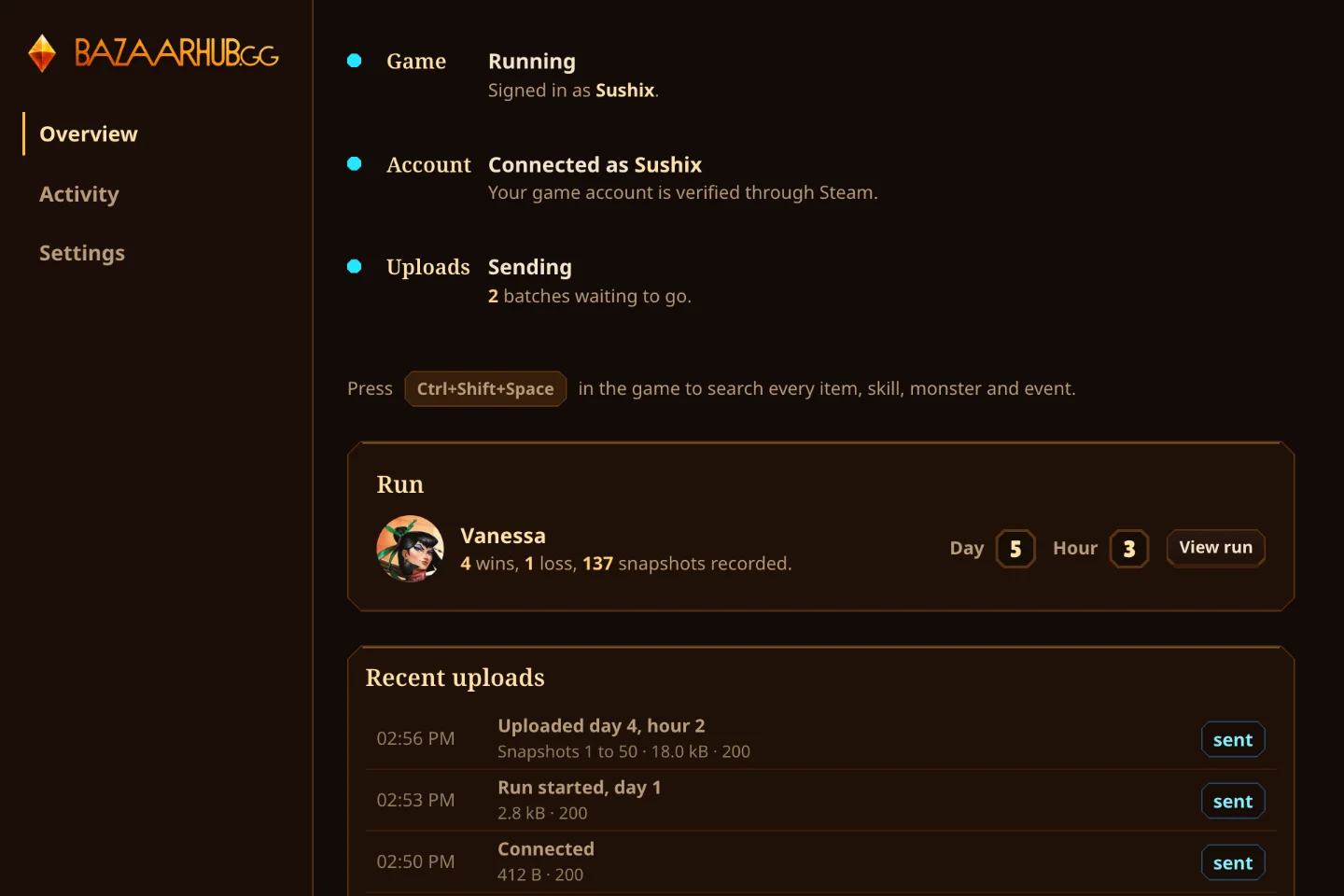
The run you're playing, your game account name, your rank and the cosmetics you own. It never sends your game folder or command line. The tracker's Activity screen shows every upload byte for byte.
Can I keep my runs private?
Yes. In Settings, Private profile hides your name on your runs, and Hidden runs keeps your profile and runs off the site and out of every Discord feed.
What happens if BazaarHub is down while I play?
Uploads wait on your computer and go once the site is back, so nothing is lost.
Does it update itself?
Yes. It installs new versions while the game is closed. You can turn that off in its Settings.
How is it different from the Bazaar DB tracker?
As of October 2026, the Bazaar DB tracker runs on Windows only, and its site shows ads unless you pay to remove them. BazaarHub's tracker runs on Windows, Mac, Linux and the Steam Deck, has an in-game search overlay, and BazaarHub has no ads.