

BazaarHub Tracker
Records your runs of The Bazaar while you play and puts them on your BazaarHub profile, every hour of every run. Free, with no ads.
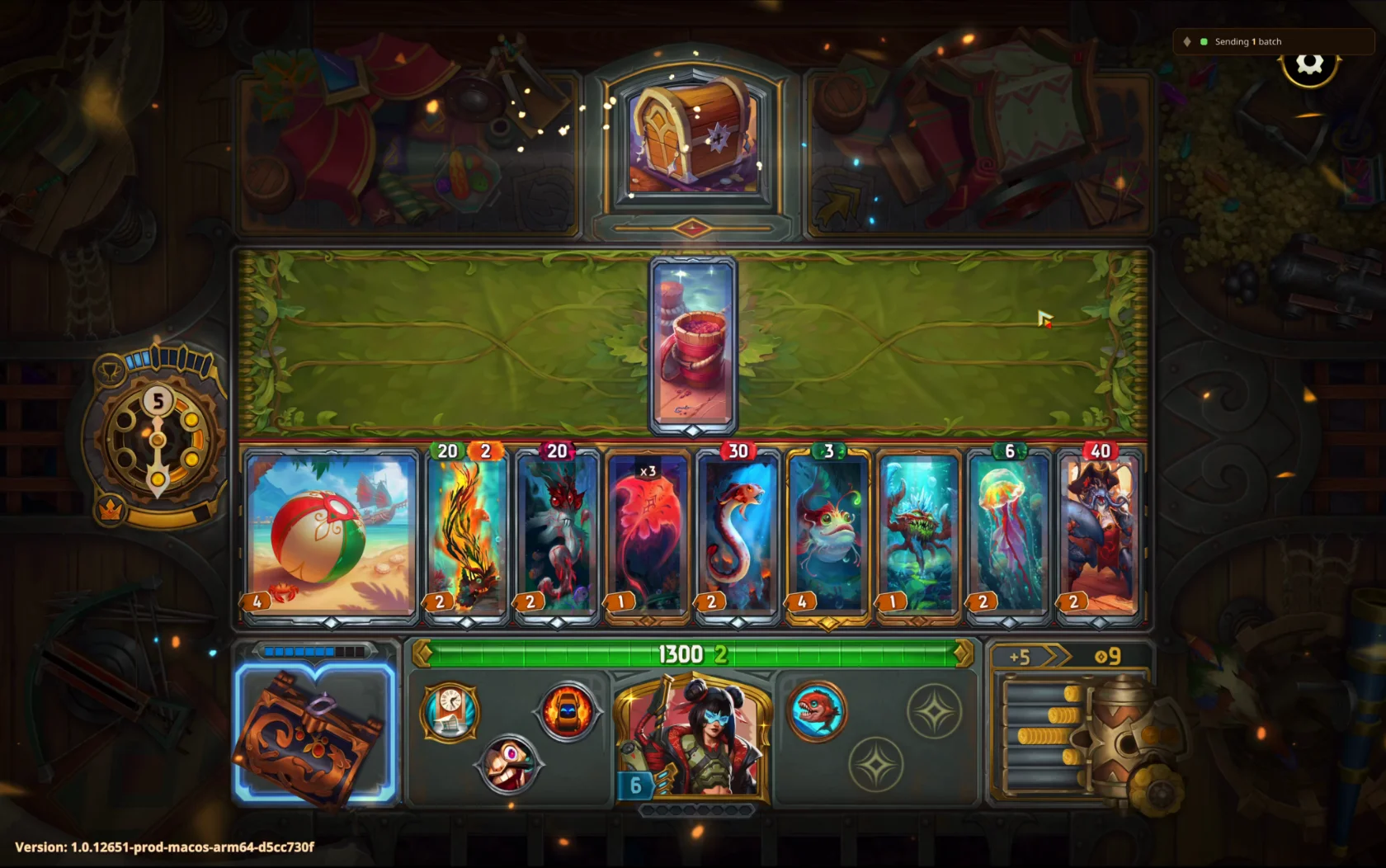
Fix a problem
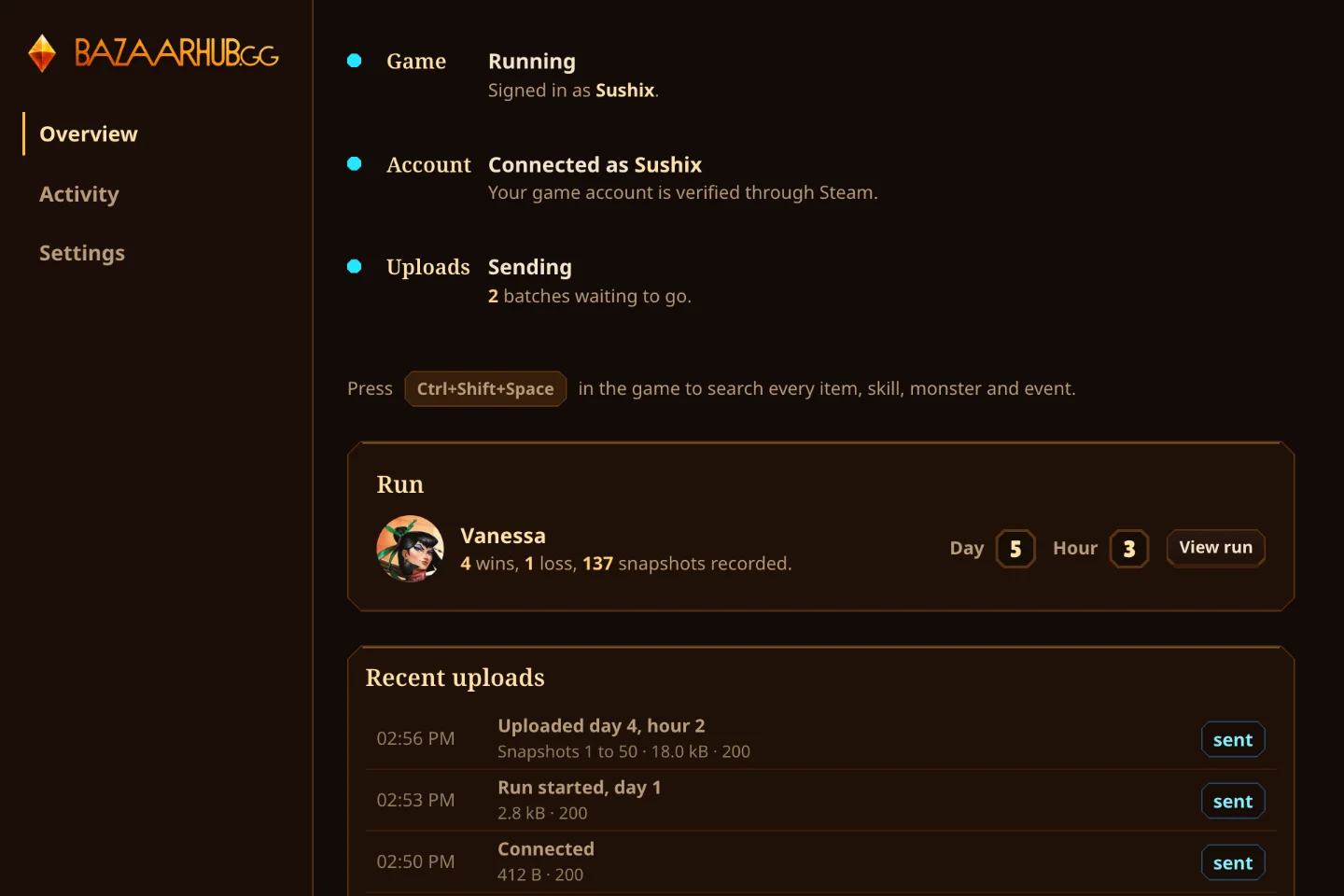
When the tracker can't read the game, its tray icon shows a red mark and it sends one notification. The Game row in the tracker says which of these it is.
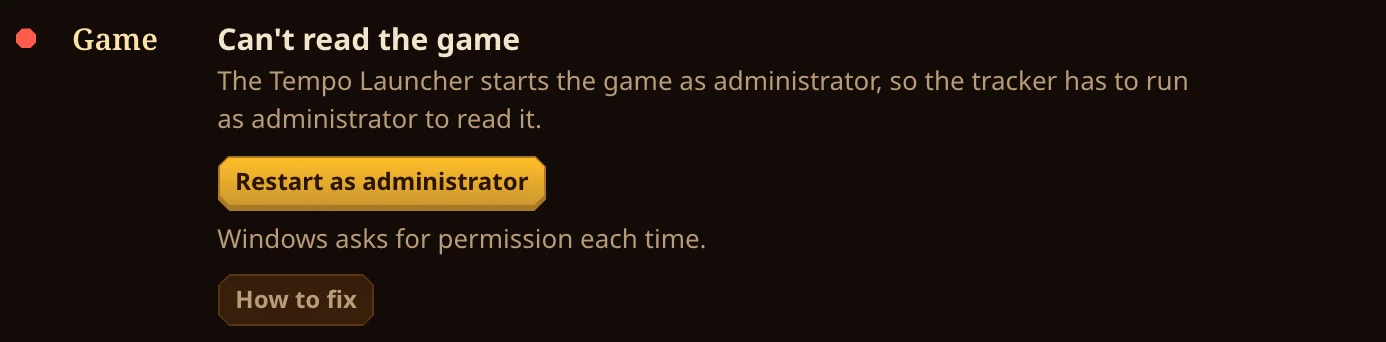
Can't read the game, from the Tempo Launcher
WindowsThe Tempo Launcher starts the game as administrator, and Windows won't let an ordinary app read it. Press Restart as administrator and say Yes. The tracker records as normal until you close it, so you'll do this once each time it starts. Starting the game as administrator any other way does the same.
Can't read the game, Windows is protecting it
WindowsWindows is protecting the game from other apps, so the tracker can't read it. We haven't seen this happen yet. Ask in the Discord and we'll help.

Can't read the game, Tempo Launcher version
MacWe're adding support for the Tempo Launcher's Mac version of the game. Join the Discord to help us test it. Runs played through Steam record as normal in the meantime.
Help test in Discord
Waiting for permission
MacmacOS asks once to let the tracker read the game. Approve the prompt. On a Mac account without admin rights, macOS asks for an administrator's password again every 10 hours.

Can't read the game, the system blocks it
LinuxYour system's security setting (ptrace_scope 3) stops every app reading another. Ask in the Discord and we'll help.

Can't find the game
Every systemThe game is open but the tracker can't see it. It has already told us. Ask in the Discord if it keeps happening.

The tracker sees the game but isn't recording
Every systemThe tracker can see the game but can't read the run. It has already told us. Restart the game, and ask in the Discord if it keeps happening.

A run didn't show up
Every systemLook at the Uploads row. Paused means uploads are held: turn them back on from the tray. If the site refused the key, make a new one under Set up. Uploads wait on your computer, so nothing recorded is lost.
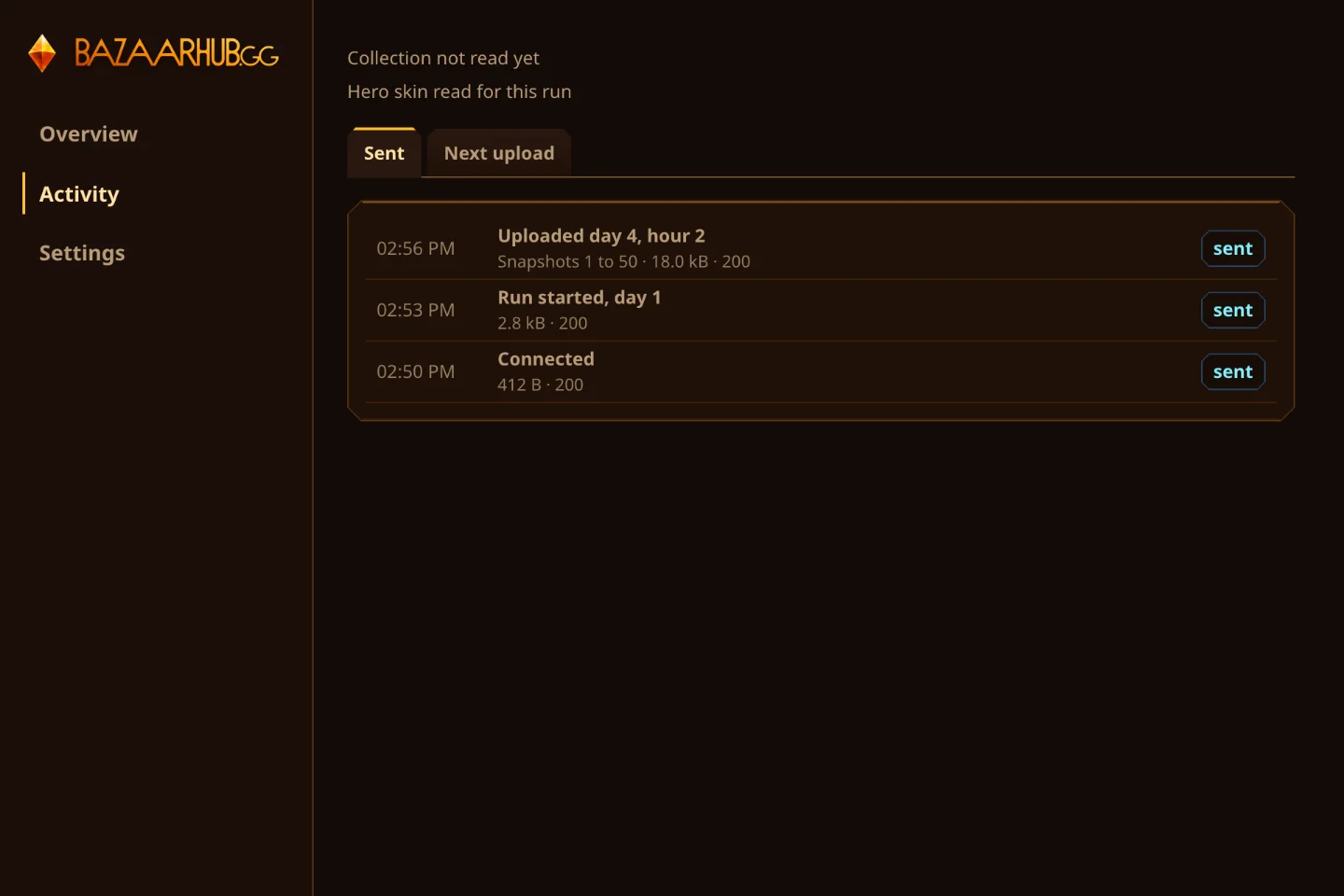
Still stuck? Your tracker has already told us what it sees, so we can usually say what happened.
Ask in Discord