BazaarHub Tracker

Records your runs of The Bazaar while you play and puts them on your BazaarHub profile, every hour of every run. Free, with no ads.
Download for Windows

Also for Mac and Linux and Steam Deck.

Download for Mac

Also for Windows and Linux and Steam Deck.

Download for Linux

Also for Windows and Mac.

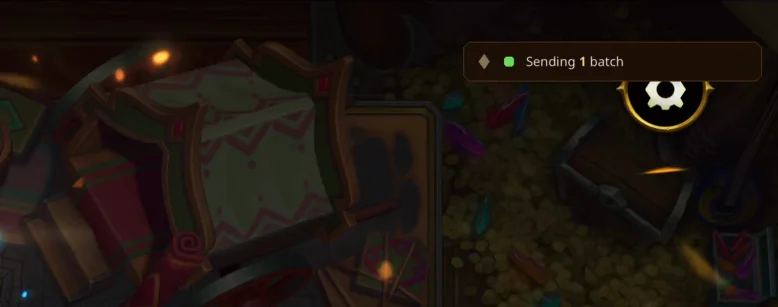
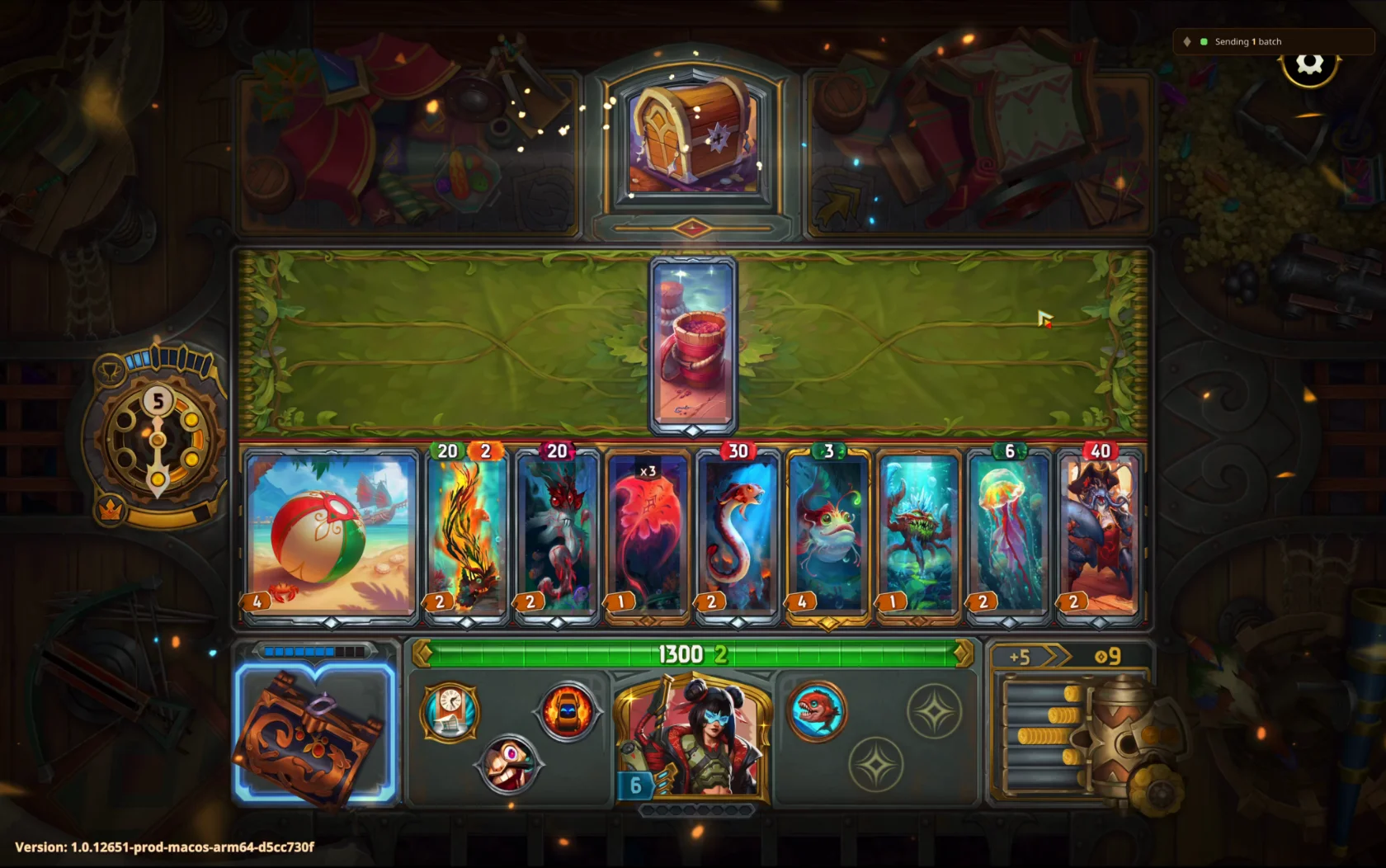
The Bazaar mid-run, with the tracker's badge in the top-right corner reading Sending 1 batch.
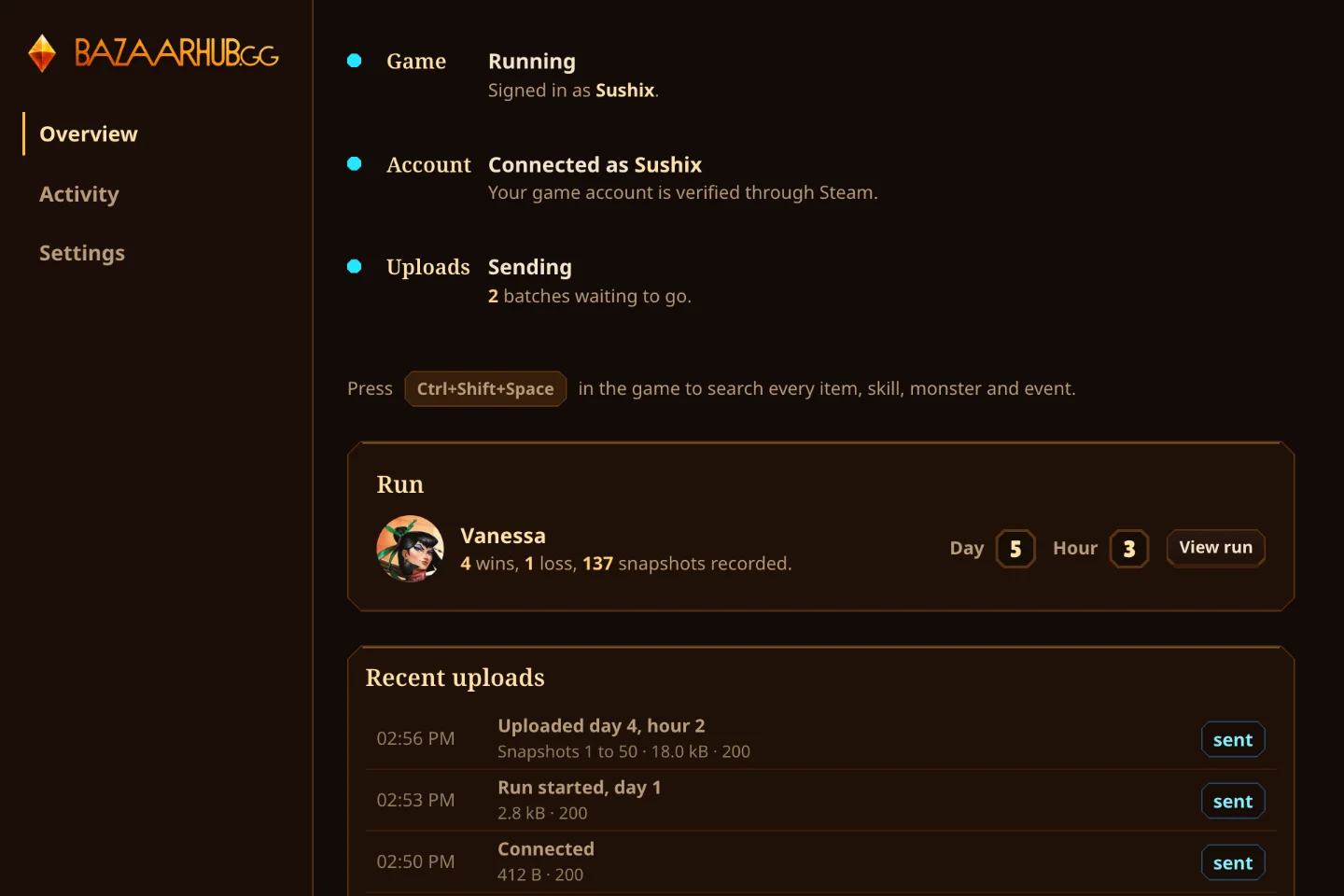
The tracker window recording the same run.

The overlay

On Windows and Mac the tracker draws over the game without touching it. A small badge in the top-right corner says whether it's recording and when it last sent.

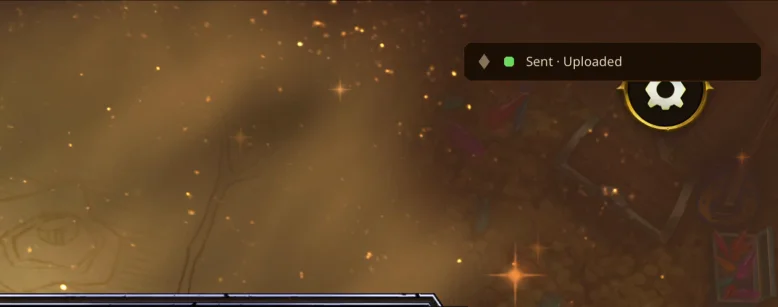
The badge while a batch goes up.
And once it's landed.

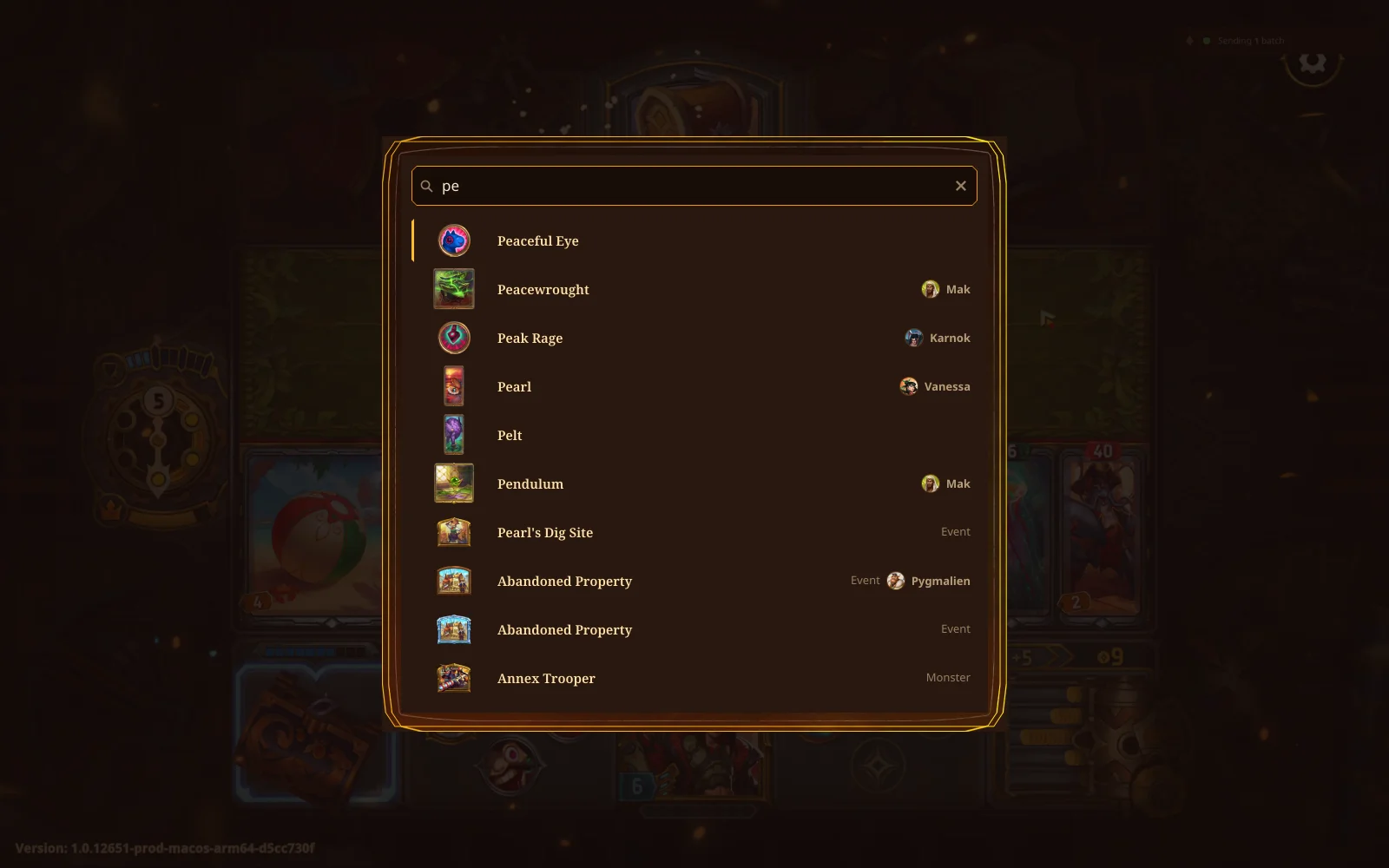
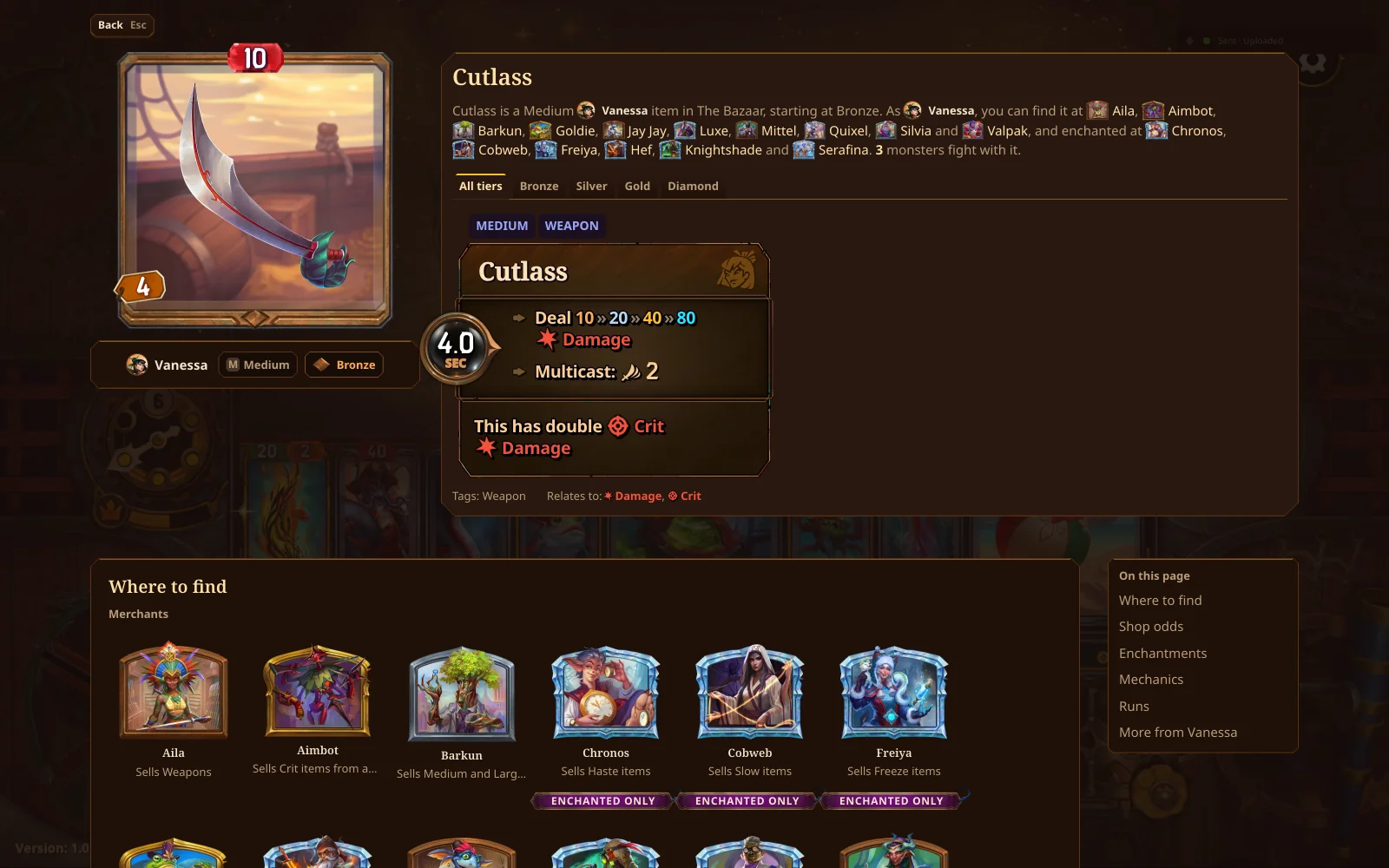
Press Ctrl+Shift+Space in the game to search every item, skill, monster and event, and open the same record the site shows. Esc steps back, and closes the search.

Search opens over the game.
Pick a result for its full record.

Change the shortcut or turn the overlay off in the tracker's Settings, or from the tray. The overlay isn't available on Linux or the Steam Deck.