

BazaarHub Tracker
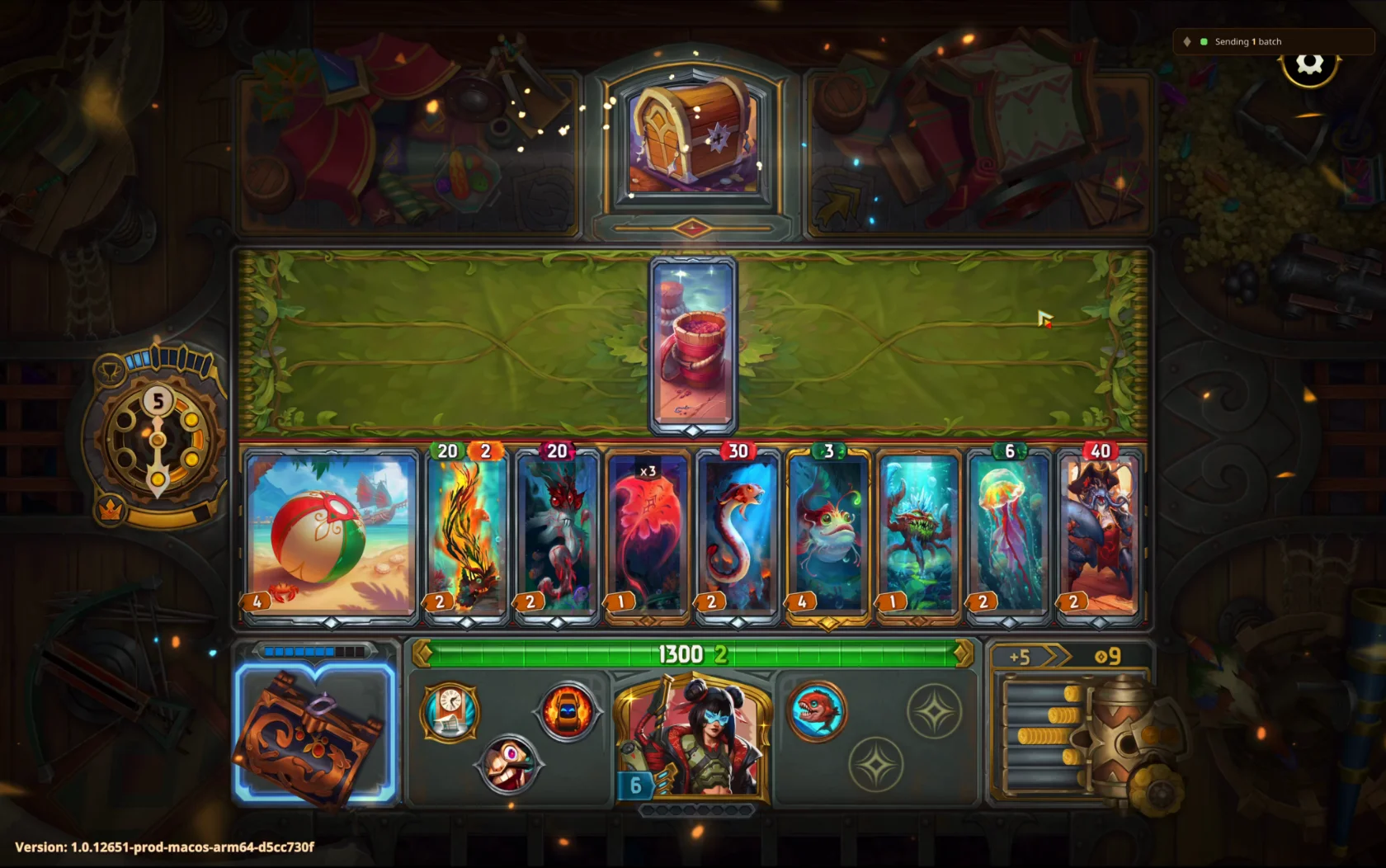
Records your runs of The Bazaar while you play and puts them on your BazaarHub profile, every hour of every run. Free, with no ads.
Set up on Windows
Install the tracker
Run the installer you downloaded. If Windows says Windows protected your PC, press More info, then Run anyway. It asks because the tracker isn't signed with a paid certificate yet, and updates won't ask again.
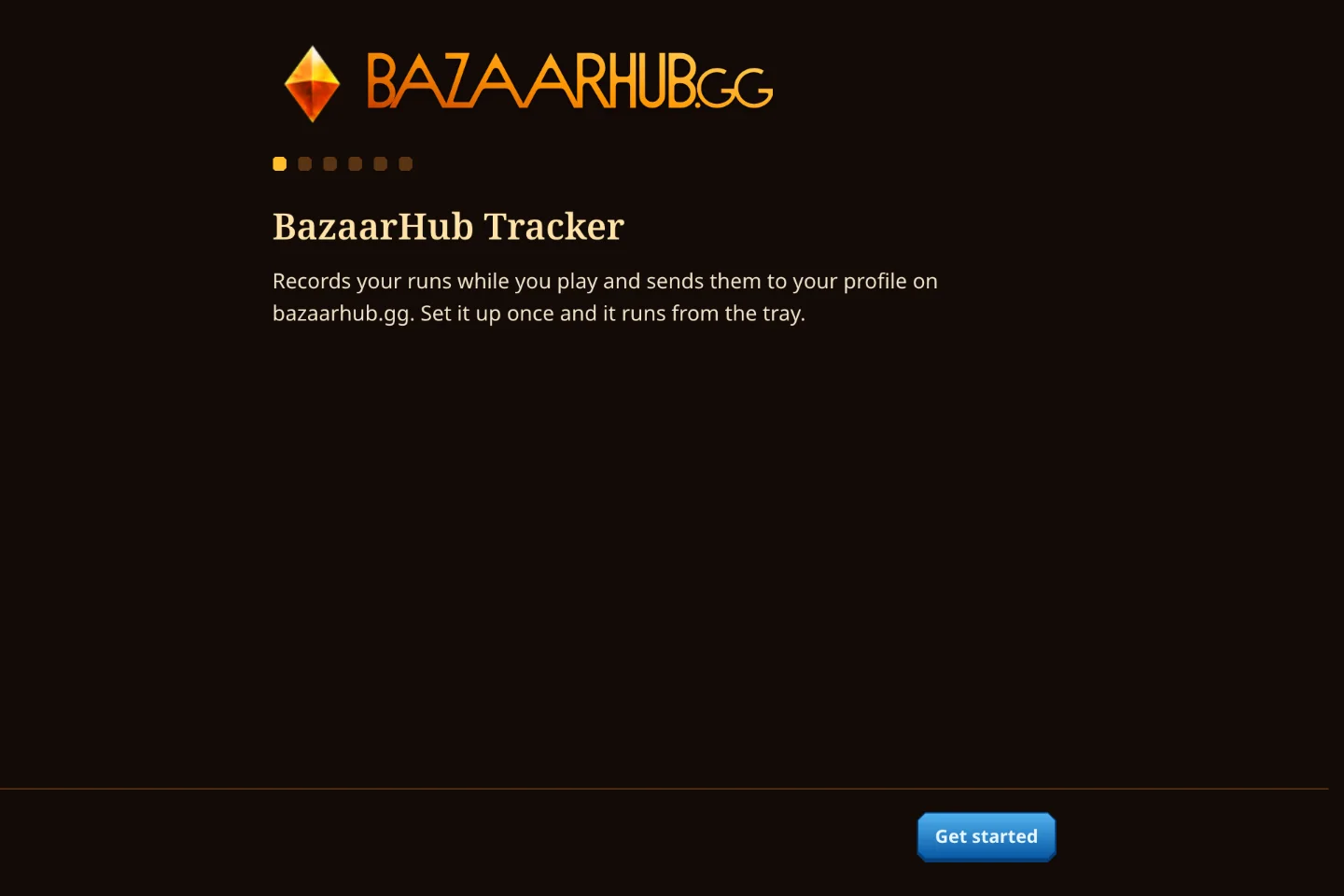
A short welcome sets it up, and from then on it starts with Windows and waits in the tray.
Connect your account
Make a key here and press Open in the tracker. It fills the key in and shows your account name to confirm.
Play a run
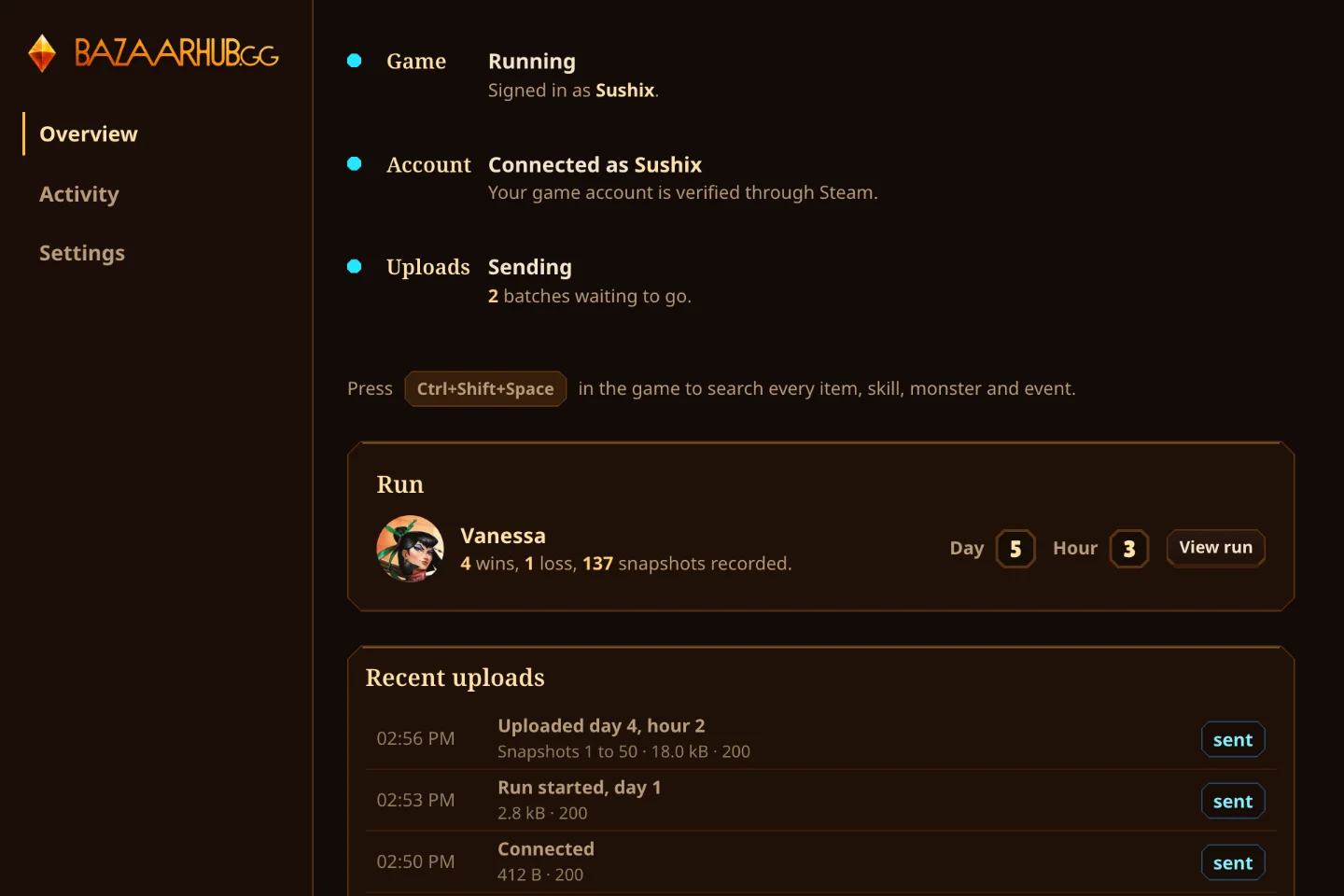
Start a game from Steam or the Tempo Launcher. The tracker's Game row turns teal, and each run reaches your profile hour by hour while you play.